
Phoenix Clips
One key in-game, and a vertical, platform-ready clip lands on disk. Captioning and posting it is the part the panel keeps on one screen.
Not released yet. Following the store is the fastest way to hear about the launch.
Features
- One key, one clip
- F9 records the next 15 seconds, F10 saves the last ones you already played, F11 cancels. Or call it from Blueprint at the exact moment your game knows something worth showing just happened.
- Vertical without wrecking your HUD
- A 21:9 window does not crop into 9:16 for free. Fit on a blurred backdrop, fit with bars, or crop — and the plugin hands your HUD the exact rectangle that will survive, so nothing important lands outside the clip.
- Records with the engine, not OBS
- Viewport frames and the game's own audio submix are piped straight into a bundled ffmpeg, with NVENC when the machine has it. No capture software, no second application, no window in the shot.
- An ending, not a cut-off
- The tail can fade, tear itself apart with camera shake and RGB split, or both. It is the difference between a 15-second clip and a 15-second fragment.
- Loudness that matches the platforms
- Every clip is normalised to −14 LUFS (EBU R128), the level TikTok, Reels and Shorts pull uploads towards. Clips from different machines and different players end up at the same volume.
- A master, not a finished post
- Encoded with quality headroom on purpose, because every platform re-encodes on upload and h264 on top of h264 doubles the artefacts. What leaves the game has something left to spend.
- Clips from your players, not just from you
- A packaged build has no service and no OBS on the machine — so it uploads straight into a shared bucket you own, in resumable parts that survive a home uplink. Playtest footage collects itself.
- Nothing is lost to a crash
- Recordings wait in Saved/PhoenixClips with a metadata sidecar until they are actually delivered. A crash, a closed laptop or an offline session just means they go out next launch.
- Metadata your captions can use
- The game can attach a hook line, tags and arbitrary JSON context to a clip — "boss melted in 12 seconds" — and that is what a caption gets written from later, instead of a filename.
How it works
-
Record
A hotkey, an editor toolbar button, or one Blueprint call at the moment your game knows something happened. 3 to 180 seconds forward, or the seconds you already played.
-
Master
Frames and game audio go into ffmpeg together, framed to 9:16, loudness-normalised, closed with an outro. Frames are grabbed against wall-clock time, so a hitching game gets duplicate frames instead of a clip that plays too fast.
-
Land
The finished file goes to the local Clip Service when one is running, and straight into your shared bucket when there is not. Either way it exists as a real mp4 you own.
-
Publish
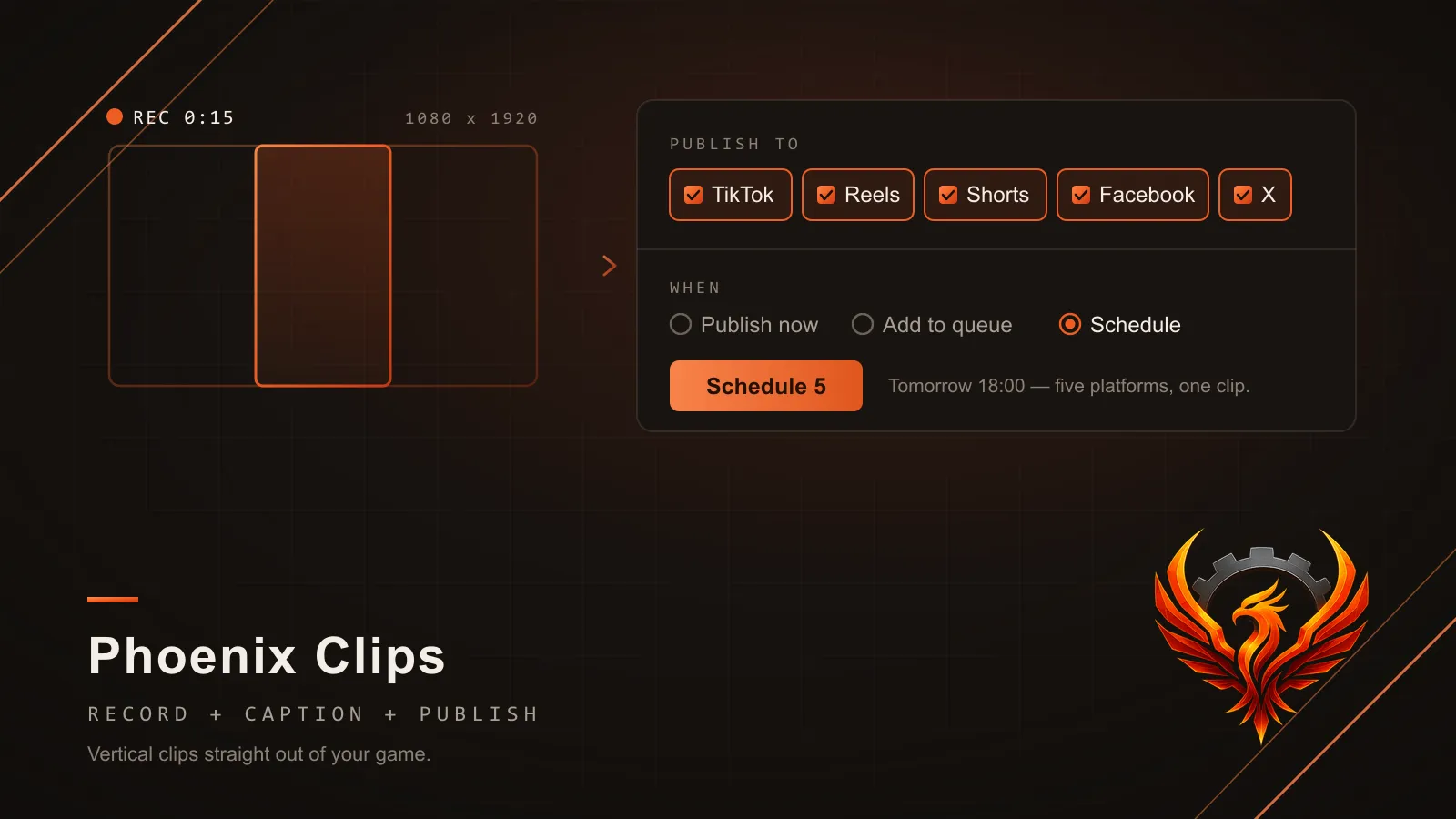
Free path: the file is on disk, upload it wherever you like. Subscription path: it appears in a web panel already captioned per platform, ready for you to review and post or schedule.
Short-form is where games get discovered now, and the cost of it is not the idea — it is the twenty minutes between “that was a great fight” and a clip that is actually posted. Capture software running in the background. A 21:9 recording that has to become 9:16. Five captions for five platforms. Five upload pages.
Phoenix Clips removes the first half of that from inside the engine. It records the game the engine is already rendering — no OBS, no second application, no window in the shot — and what comes out is a finished vertical master: framed, normalised to the loudness the platforms expect, closed with a real ending rather than a hard cut. In the editor it is a toolbar button over your Play-In-Editor session; in a packaged build it is a key your players can press.
Why it is free
Because a capture tool that costs money is a capture tool nobody tries. The plugin is complete,
open-source and unlimited, and it stays that way: if you want to take the mp4 out of
Saved/PhoenixClips and upload it yourself, that is a perfectly good way to use it and it costs
nothing, forever.
What we sell is the half that comes after. The Phoenix Clips panel is a hosted console you point your clips at: they show up with a caption written for each platform out of the hook and tags your game attached to them, you read them over, and you send them — now or at a time you pick — to your own accounts on TikTok, Instagram Reels, YouTube Shorts, Facebook Reels and X, through those platforms’ own official interfaces. The numbers on your posts come back into the same panel, so the question “which clip actually worked” has an answer.
That is the whole split. Free plugin, optional €9 pipeline, and the plugin does not notice whether you pay.
Where the clips come from
There are two sources, and the plugin handles both with the same code path.
You, in the editor: hit the toolbar button during PIE, or the hotkey in a test build, and the clip is on disk seconds later.
Your players, in a packaged build: a build has no local service and no capture software, so it signs its own upload and pushes the clip straight into a bucket you own, in resumable parts so a home connection can actually finish it. Playtest footage stops being something you have to ask for.
Worth knowing before you install it
Recording needs ffmpeg next to the game — the plugin ships with a path setting for it and uses the GPU encoder when one is available, so the cost while playing is small but not zero. Cropping a wide window to vertical genuinely throws pixels away, which is why the default fits the frame on a blurred backdrop instead; if you want a sharp crop, ask the subsystem for the capture safe area and lay your HUD out inside it. And the shared-pool uploader ships credentials inside the build by design, so give it a token scoped to the pool bucket and nothing else.